








Vale and prose linting
Contents
Vale is a prose linter that enforces PostHog's writing style across the website: docs, blog posts, newsletters, and more.
It catches spelling mistakes and style inconsistencies based on rules we define – like the unforgivable use of em dashes.
Why use a prose linter?
Prose is infinitely diverse. Different authors, tones, and writing goals make inconsistencies easy to introduce and a nightmare to maintain.
A prose linter creates a baseline. It automatically enforces the core mechanical and stylistic rules we care about most as a brand, so our writing stays consistent.
"Never send an LLM to do a linter's job." – someone
LLMs can generate drafts and reviews, but they are not reliable linters. They're slow and expensive compared to deterministic tools.
Use Vale to detect issues, then use LLMs to hep fix them.
Getting started
Install Vale
Run linting
For real-time linting in your code editor, install the Vale VS Code extension.
Style rules
Styles are enforced by a collection rules and checks written as YAML files. We can organize these rules into directories to create different style guides for different areas of our website.
Vale then applies these rules hierarchically and in combination with each other.
Adding a rule
Pick the right directory.
PostHogBasewill apply the rule everywhere,PostHogDocsto the docs, andPostHogEditorialto the blog, newsletter, and tutorials.Create a
.ymlfile in the respectivestyles/subdirectory.
The two most common rule types are substitution and existence.
Each rule can be configured to a severity level:
- Errors
- Warnings
- Suggestions
We generally stick to warnings and suggestions.
The Vale docs have more information on rule types and configuration.
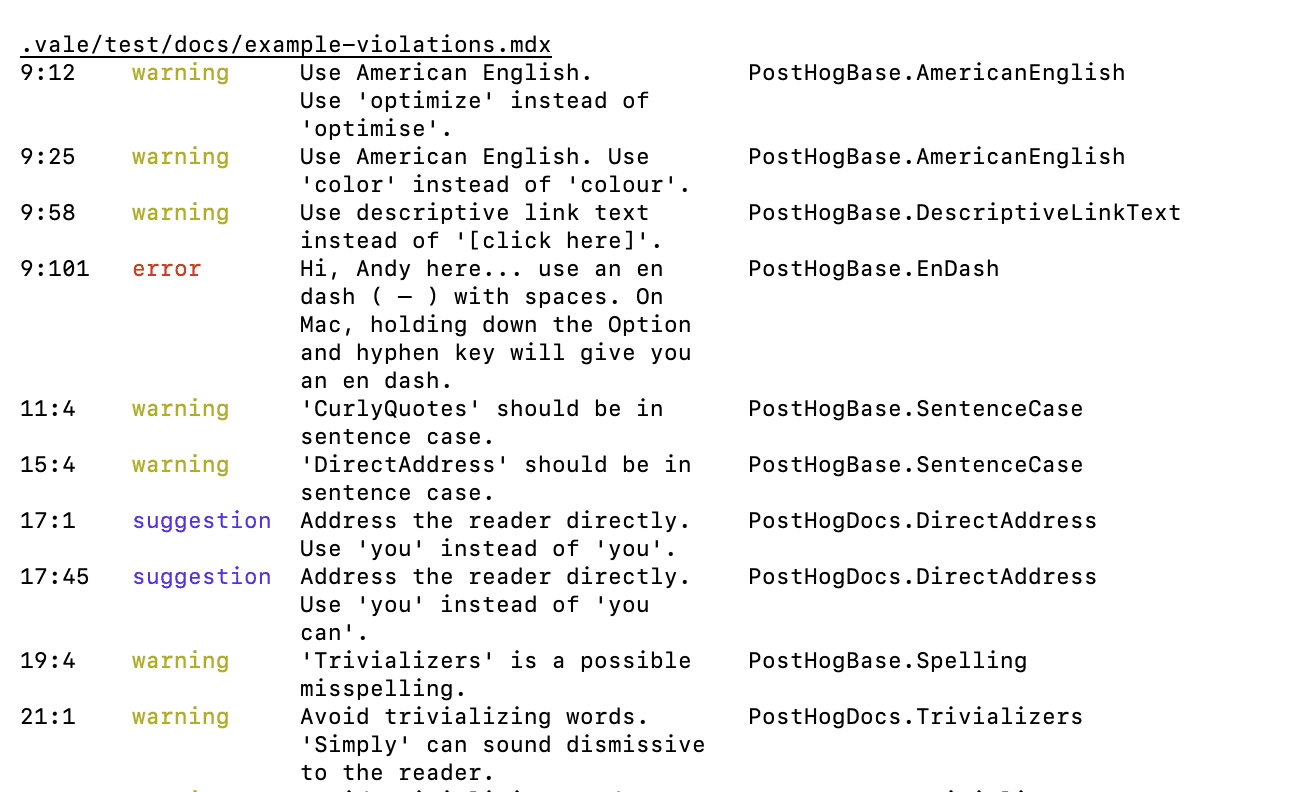
If you add a new rule, update the test/ directory with examples and run pnpm vale:test to see if it works as expected.
You can also test specific rules with the Vale CLI.
pnpm vale --filter='.Name=="PostHogBase.SentenceCase"' ./docs/error-tracking/pricing.mdx
Breaking the rules
Vocabularies and spelling exceptions
Not every violation is actually a mistake. We frequently use industry terms, brand names, and colloquialisms that aren't in standard dictionaries like "faq", "devops", or "stonks."
You can add exceptions to the Vale rules as vocabulary or as a spelling exception.
Here's how to choose between them:
| Proper noun? | Examples | File |
|---|---|---|
| Yes | HubSpot, JavaScript, ClickHouse, PostHog | config/vocabularies/BrandsAndTechnologies/accept.txt |
| No | webhook, cronjob, heatmaps, stonks | PostHogBase/spelling-exceptions.txt |
Vocabularies are case-sensitive regex patterns that enforce exact capitalization. Use for brand names, products, and technologies where casing is a part of correctness. They will be exempt from rules like
SentenceCase.yml.Spelling exceptions are case-insensitive words the spell checker should accept. Use for industry terminology or developer jargon that isn't in standard dictionaries. They will be exempt from the rule
Spelling.yml.
The .vale.ini file
We've configured global ignores in .vale.ini based on certain scopes, tokens, and tags.
Vale globally ignores:
- Fenced code blocks
``` - JSX import and export statements
- Markdown link URLs
- React component tags